


USB 3.0 microSD Card Reader for R36S
USB 3.0 microSD Card Reader for R36S
Couldn't load pickup availability

USB 3.0 microSD Card Reader for R36S
Flashing custom firmware to an R36S means writing an image to a microSD card from a computer, and most people discover halfway through the guide that they have no way to plug the card in. This is that missing part.
Why USB 3.0 matters here
A firmware image runs to several gigabytes. Over USB 2.0 that write takes twenty minutes and gives interruptions twenty minutes to happen; over USB 3.0 it is a few. The reader is also the part that most often causes a failed write — more often than the card itself.
What you are getting
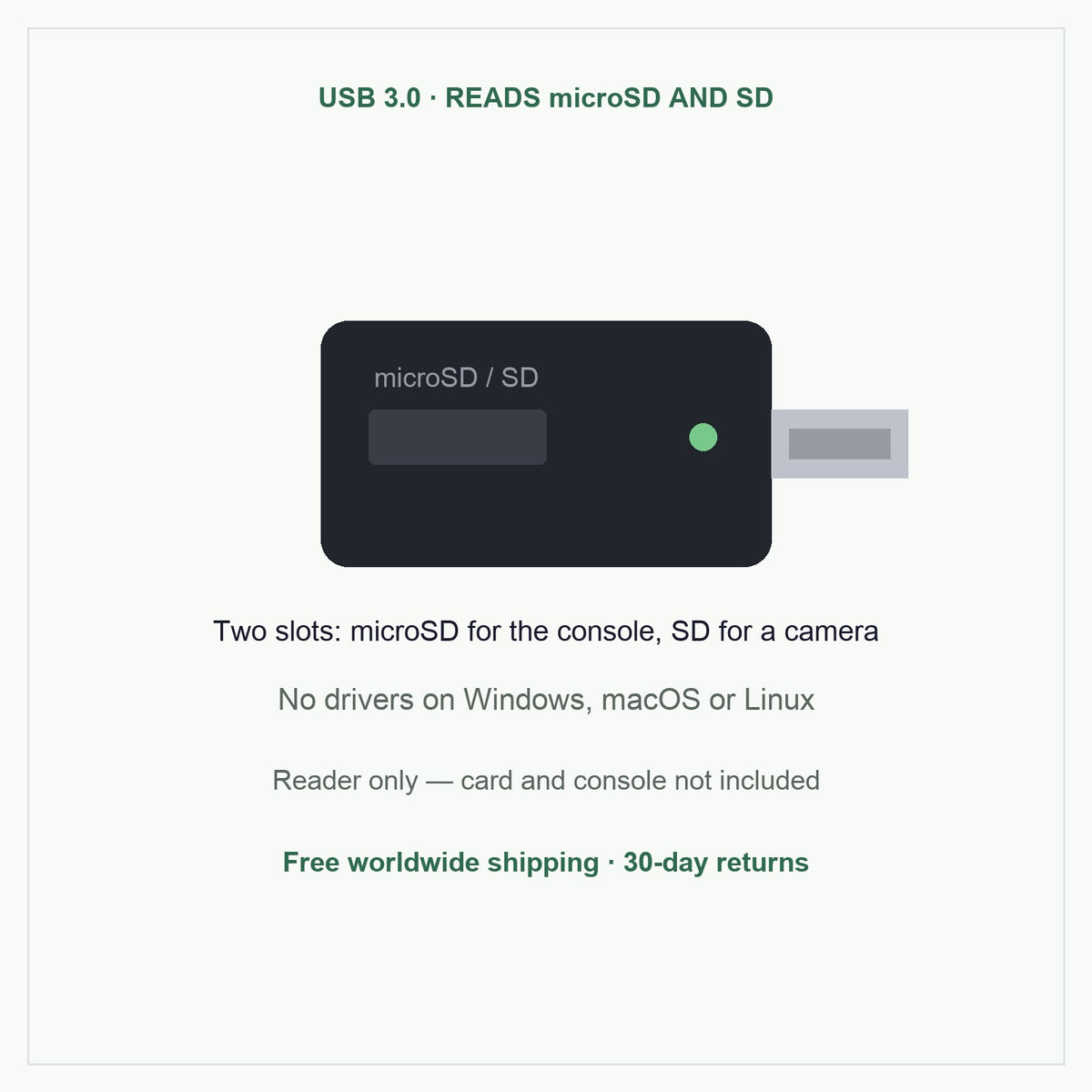
- Full-size USB-A plug. Plugs straight into a desktop or any laptop with a rectangular USB port, with no adapter or dock in the chain.
- Two slots. microSD for the console, full-size SD for a camera or anything else you already own.
- No drivers. Windows, macOS and Linux all mount it on their own, so Balena Etcher and Win32 Disk Imager see the card immediately.
Check your laptop first
This is a USB-A reader. If your laptop only has the small oval USB-C ports — recent MacBooks and many thin Windows laptops — you will need a USB-C adapter or hub to use it. We would rather say that here than have you find out when the parcel arrives.
Works with
Any microSD card up to 512GB, including the cards we sell, and the whole R36 family. See our firmware guide for the flashing steps.
Ships free worldwide, alone or in the same parcel as a console or card, and carries the same 30-day money-back guarantee as everything else we sell.
Buy with confidence
Checked hardware, clear setup help, and support after checkout.
Estimated tracked AU delivery between - and -.
If something is wrong on arrival
If something is wrong on arrival
These handhelds ship direct from our supplier, so we cannot inspect every unit first. What we can do is make it right: check visible condition, controls, ports, screen fit, storage and accessories when it arrives, and tell us within 30 days if anything is off — we replace or refund, return postage at our cost. For consoles, use legally owned game files and back up your storage card before firmware changes.
Software, Storage and Lawful Use
Software, Storage and Lawful Use
Compatible Software and Storage
This product is sold as gaming hardware. It is intended for compatible open-source software, homebrew software, public-domain files, personal media, and other content that you have the right to use.
Expandable Storage
- Supported storage cards can be used for compatible lawful files and personal content.
- Always make sure you have the right to use any software or media you add.
Can I expand storage?
Can I expand storage?
Supported TF cards can be used for compatible lawful files, personal media, public-domain software, and homebrew software.
What software can I use?
What software can I use?
Our handhelds are intended for compatible open-source software, homebrew software, public-domain files, personal media, and other lawful content. Check the description above for the firmware each model runs.
What warranty and returns apply?
What warranty and returns apply?
Every order is covered by our 30-day money-back guarantee — 30 days from delivery to return it for any reason — and by your rights under the Australian Consumer Law, which cannot be excluded. If an item arrives faulty, is damaged in transit or is not what you ordered, send us your order number and we replace or refund it, with return postage at our cost.